Official Frozen Ship Links
Steam, the developer site, and the only destinations you should trust for purchases and patch news.
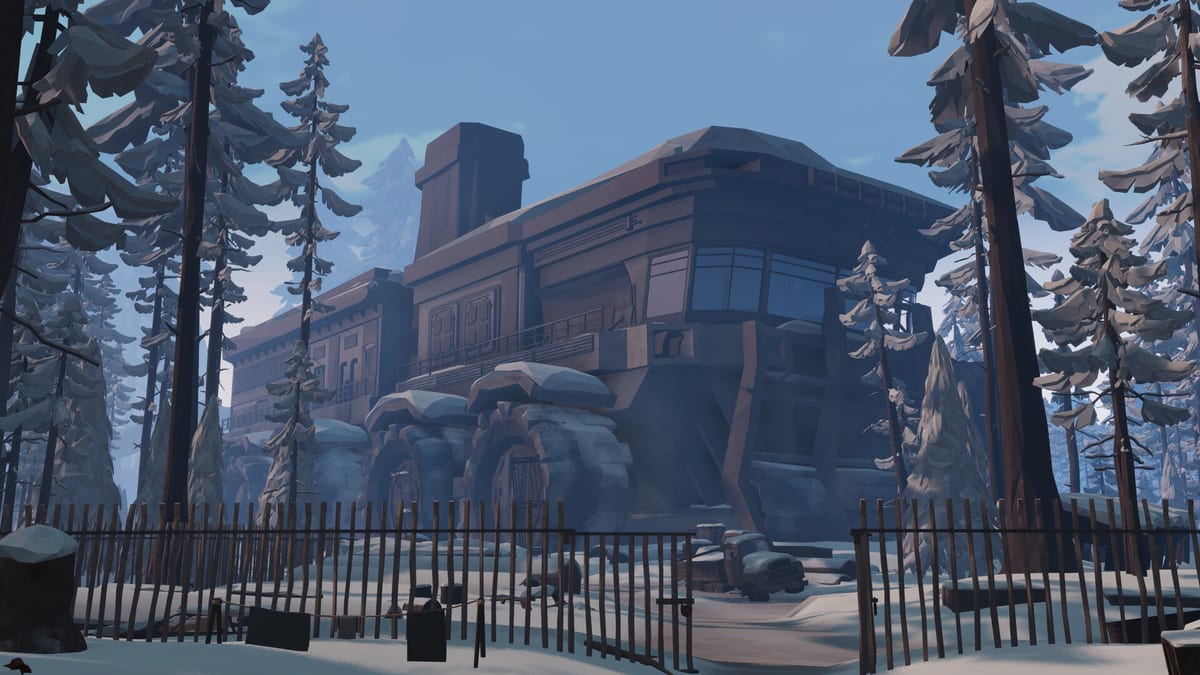
Use this page as your allowlist. When a friend sends a “Frozen Ship free download” link or a reseller you’ve never heard of, come back here and compare. Frozen Ship by Nionetix is distributed for Early Access on Steam (Windows) with an official site at frozenship.com. This wiki mirrors those facts but does not host installers, keys, or patch files.
Primary destinations
Steam store page
The Steam store page is where you wishlist, buy, install, and read official news for app 3423990. It lists the Early Access target of August 7, 2026, system requirements, supported interface languages, and refund context under Steam’s policies. After launch, patch notes and build IDs appear here first.
Before purchase, cross-check PC specs with our system requirements page — it paraphrases the store tables with tuning advice.
Official website (frozenship.com)
The developer site typically hosts branding, contact paths, press kits, and links back to Steam. It may duplicate trailer embeds and high-level feature descriptions. For deep mechanics, use wiki guides starting with Getting Started; for legal or business inquiries, prefer contact channels listed on the official site rather than wiki comments.
Announcement and gameplay media
Trailers hosted on official channels help set expectations before you commit. Our Review & Overview page embeds the Frozen Ship announcement trailer with prose explaining how footage maps to ship management, crew scale, and wasteland exploration — read that after you watch to connect marketing language to actual loops like crew management and manage Hope.
What belongs off this page
We intentionally omit:
- Unofficial download mirrors — high malware risk and no update pipeline
- Random key resellers — no guarantee of Steam activation or refund support
- Cheat or trainer sites — can violate Steam terms and destroy save integrity
- Scraped “patch note” blogs — often outdated within days of EA launch
If a link is not Steam or frozenship.com (or clearly linked from them), treat it as fan content.
Patch notes workflow
- Open the Steam store page news tab for build numbers and change lists.
- Check frozenship.com for longer-form posts or known-issue banners.
- Read wiki summaries on the updates hub — Early Access roadmap for upcoming beats, release timeline for dated milestones.
- Test a short in-game day before loading a hundred-hour save — rebalance patches often touch build priority costs or trade values.
Commerce reminders
- Early Access is a work-in-progress product; feature scope may change per the public roadmap.
- Wishlist notifications help with date moves — pair with prep wishlist tasks.
- Disk space on the store page is a minimum; leave headroom for post-launch content drops.
- Supported languages on Steam may exceed this wiki’s en / fr / de / es coverage; verify in-store if locale matters.
Demo history
A Steam Next Fest demo circulated around June 2025. Demos expire or detach from the main app listing after festivals. Do not hunt third-party demo archives — they may be tampered builds. If the demo is unavailable, use Review & Overview and wait for EA or watch official trailers only.
Feedback and bug reports
Use official support or forum paths linked from Steam or the developer site when reporting crashes, softlocks, or save corruption. Include OS version, GPU model, and build ID from Steam. Wiki editors are not Nionetix support staff.
Related wiki entry points
- Gameplay onboarding: Getting Started
- Field safety: Expedition checklist
- Economy: Trade
- All curated URLs in one index: Links Hub
When official channels announce new modes, DLC store listings, or hunting updates, this page will add labeled sections — never rumor dates without a Steam news post to back them.
Frequently Asked Questions
Quick answers to the most common questions.
What is the official Steam app ID?
3423990 — use it to verify you are on the real Steam store page before purchasing or discussing builds.
Can I buy Frozen Ship outside Steam?
Early Access is listed for Steam on Windows. Other storefronts would require an official Nionetix announcement; avoid unauthorized key sellers.
Where do I report a bug?
Through support or community paths linked from the Steam store page or frozenship.com — not via this wiki.
Is the wiki linked from official channels?
Do not assume endorsement. This is a fan resource. Trust Steam and frozenship.com for authoritative statements.
How do I find the announcement trailer safely?
Watch via the embedded player on [Review & Overview](/links/review-overview/) or official channels — avoid reuploads with spam overlays.